Understand the workspace
Read the project, files, and relevant memories before deciding what the task really needs.
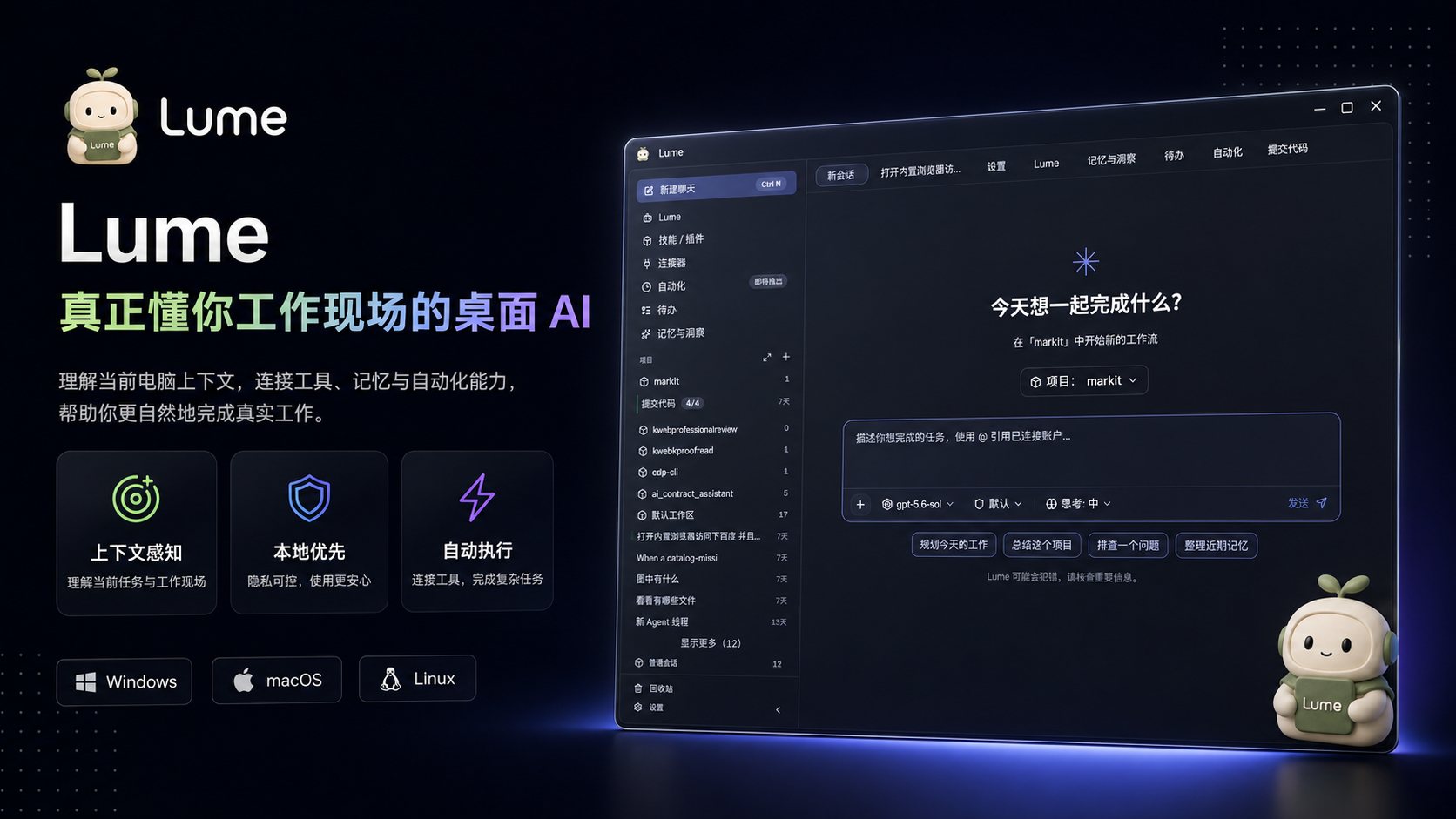
Context alignedLume goes beyond answers. It understands your workspace, uses local tools, remembers long-term preferences, and sends a specialist agent team to deliver usable results.

Prompt
“Research this market and turn the findings into a presentation-ready brief.”







Not a smarter chat box.
A workbench that understands, delegates, and acts.
One task, end to end
From context to delivery, every step stays visible, pausable, and resumable.
Read the project, files, and relevant memories before deciding what the task really needs.
Context alignedBreak a complex goal into clear pieces and assign each one to the best-fit specialist.
Plan stays editableSearch, edit files, run commands, and generate images instead of stopping at advice.
Progress stays visibleReturn conclusions and artifacts in a thread you can keep moving forward.
Results saved locallyFrom idea to artifact
No elaborate prompt craft required. Describe the real need and Lume finds the next step.
Search across sources, verify claims, map disagreements, and deliver a cited brief.
“Compare five competitors and show me where the real opportunity is.”

Understand constraints, locate files, edit code, and verify the result with full context intact.
“Fix this issue without changing the existing sign-in flow.”

Research, writing, translation, and visuals work together to shape a complete piece.
“Turn these interviews into an opinionated long-form article.”

Create routines and automations, then receive the output in your messaging channel.
“Every Monday, summarize progress and send me the top risks.”
Context that stays
Project context, writing preferences, key decisions, and unfinished work carry into the next task. Memory is stored as readable local files you can inspect, edit, back up, or move.
“No more starting from zero. Lume knows what you are doing and how you like to work.”
Local-first by design
Memories, threads, skills, automations, and agent workspaces live under ~/.lume/. Markdown and YAML remain the source of truth.
~/.lume/
├── memory/           # Markdown
├── skills/           # SKILL.md
├── automation/       # cron
├── agent-workspaces/
└── lume.yamlBuilt to act
Files, terminals, browsers, search, image generation, Office artifacts, and MCP services all share the same task context.

Work continues when you step away
Hand recurring work to automations. Lume runs locally on schedule, brings in the right personas and tools, then sends the result to the channels you already use.
陆寻 Explorer 沈策 Planner 审岳 Code Reviewer 顾砚 Researcher 许澄 Translator 江岚 Writer 宋澈 Voice Artist  林澄 Design Engineer 白洛 Illustrator 唐栩 Data Analyst
  纪衡 Quant Analyst
  温序 Novelist 祁远 Developer 陆寻 Explorer 沈策 Planner 审岳 Code Reviewer 顾砚 Researcher 许澄 Translator 江岚 Writer 宋澈 Voice Artist 林澄 Design Engineer 白洛 Illustrator 唐栩 Data Analyst 纪衡 Quant Analyst 温序 Novelist 祁远 Developer
 Not one generic persona
Every persona has a clear specialty, workspace, and way of working. The main thread understands your goal and hands each part to the right person.
Personas are functional: each has its own system prompt, tool preferences, and task boundaries.
Explorer
Planner
Code Reviewer
Researcher
Translator
Writer
Voice Artist
Design Engineer
Illustrator
Data Analyst
Quant Analyst
Novelist
Developer
13 specialists, ready when needed
Keep your model choice
Connect leading providers and local models. Assign models by task and balance quality, speed, and cost on your terms.
Made for builders too
Lume ships its core loop as a standalone SDK. Run it in a server, Docker, serverless, or CI without a local CLI dependency.
Read the SDK docsimport { createAgent } from '@lume/agent-sdk'
const agent = createAgent({
model: 'claude-sonnet-4-6',
maxTurns: 10,
})
for await (const event of agent.query(
'Read the project and ship the change.'
)) {
console.log(event)
}FAQ
Chat apps optimize for one-off answers. Lume is built for ongoing work: it can use local files and tools, keep durable memory, and delegate complex tasks across specialist personas.
Core data lives in the ~/.lume/ folder on your computer. Memory uses Markdown as its source of truth, with readable configuration formats for easy backup and migration.
Yes. Lume supports OpenAI-compatible endpoints, a range of hosted providers, and local options such as Ollama and LM Studio.
Lume is free to download and open source under the MIT license. Third-party model providers may charge according to their own pricing.
Bring AI into the actual workspace
Local first, free, and open source. Get started in minutes.